


School template From WorkPPT
Perplexity AI
Price: Free (Standard); $20/mo (Pro)
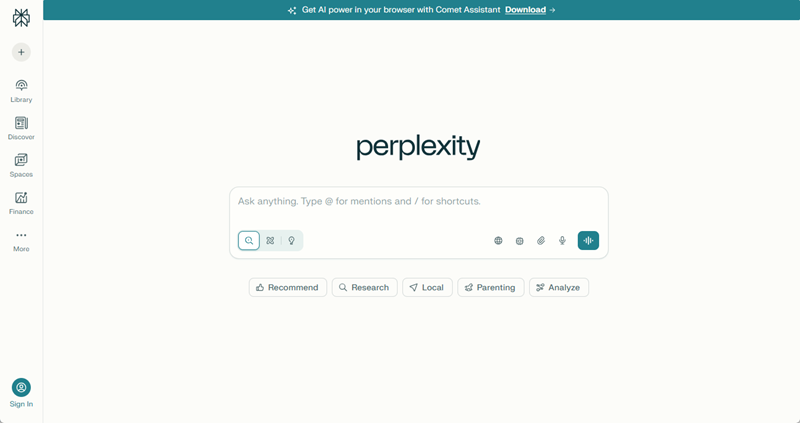
Perplexity AI is a powerful answer engine that connects a live search engine. Instead of guessing, it browses the internet in real-time to provide up-to-date answers backed by verified sources.
Key Advantages:
- Citations included: Every claim is footnoted, so you can verify the information immediately.
- Real-time web access: Great for current events or finding the latest statistics.
- “Pro” Search: Breaks down complex questions into sub-steps for a deeper dive.
Best For: Replacing Google for initial research and finding cited answers.
Consensus
Price: Free (Unlimited searches); $20/mo (Premium summaries).
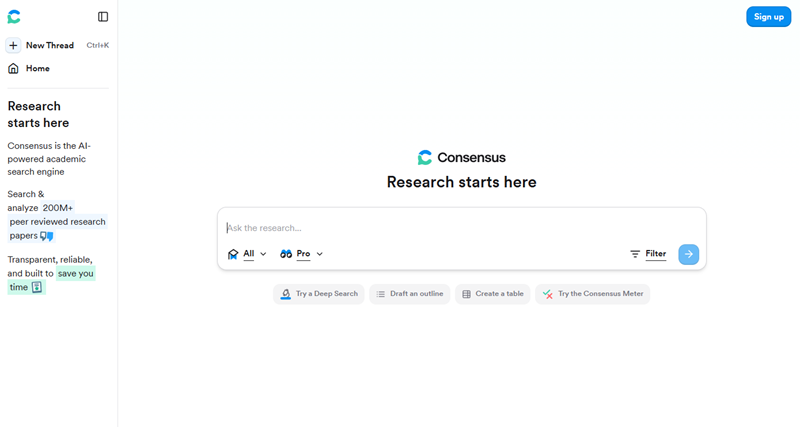
Consensus is a specialized search engine designed specifically for academic research. It scans millions of scientific papers to answer your questions with evidence-based conclusions rather than general internet opinions.
Key Advantages:
- Real Academic Sources: It only pulls data from actual academic journals.
- Shows Viewpoints Clearly :It visually shows whether most researchers agree or disagree on a topic, making it easy to understand.
- Snapshot Summaries: Instantly extracts the key findings from dense research papers.
Best For: Thesis work and finding evidence in peer-reviewed papers.
Otter.ai
Price: Free (basic); $16.99/user/mo (Pro).
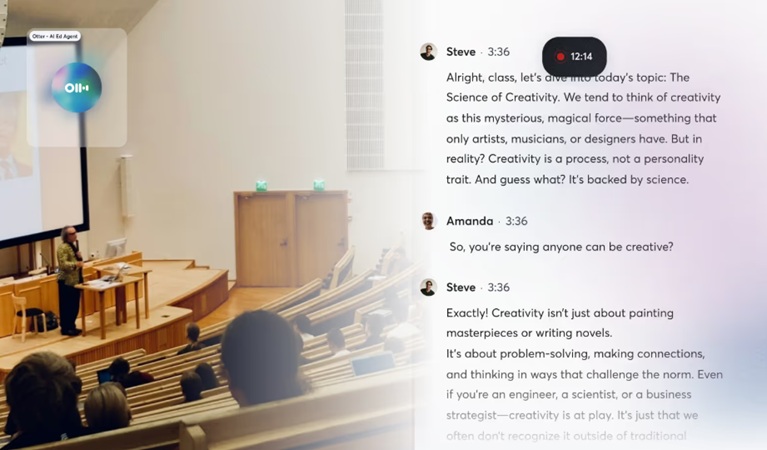
Otter.ai is an AI meeting assistant that records audio and transcribes it into text in real-time. It is perfect for students who struggle to write down everything a professor says during a fast-paced lecture or class.
Key Advantages:
- Speaker Identification: Distinguishes between the professor and different students in a discussion.
- Automated Summaries: Generates a concise summary of the lecture’s key points after class.
- Searchable Audio: You can search the text for a keyword (e.g., “midterm”), and it will play the audio from that exact moment.
Best For: Lecture notes and recording group project meetings.
Notion AI
Price: $20/month
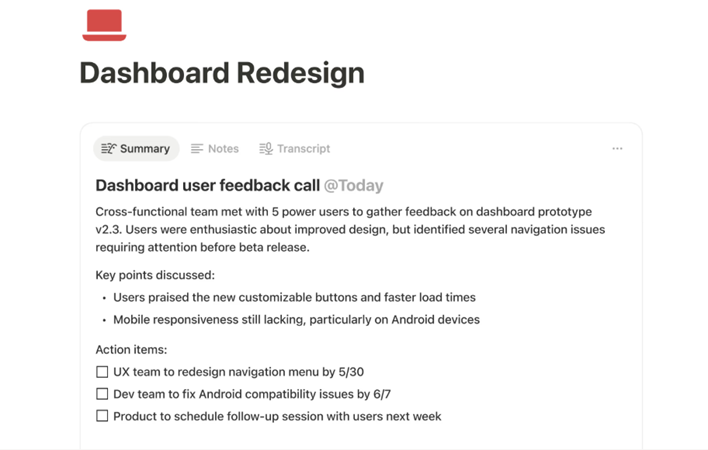
Notion is already the most popular workspace for students, but its integrated AI feature allows you to organize notes, tasks, and databases while using AI to manipulate the content directly inside your pages.
Key Advantages:
- Q&A with your notes: You can ask, “What did I write about organic chemistry last week?” and it finds the answer.
- Summarization: Instantly turns messy class notes into a clean, structured study guide.
- Action Items: Scans project meeting notes and automatically creates a to-do list.
Best For: Organizing your entire academic life and summarizing notes.
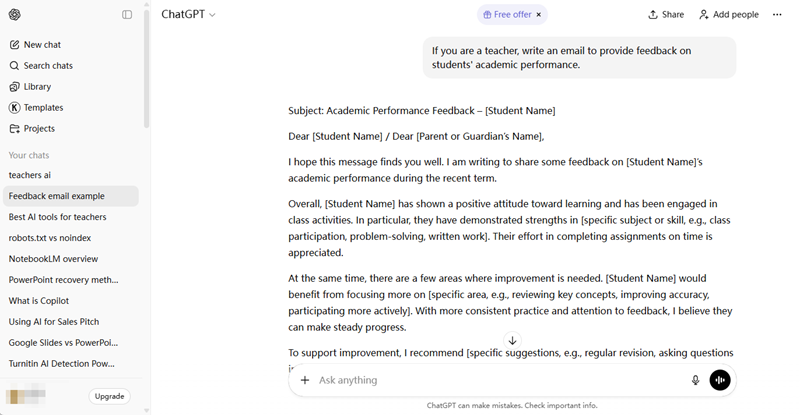
The most versatile AI tool on the market, ChatGPT acts as a tutor. It supports voice, image, and text, making it capable of handling almost any type of student query.
Price: Free (GPT-4o mini); $20/mo (Plus)
Key Advantages:
- Easy Explanations:Breaks down complex topics into simple terms, making it easier to understand.
- Quick Research: Students can quickly summarize long readings or get background information on a topic.
- Brainstorming: ChatGPT can help brainstorm ideas, suggest structures, and refine project topics.
- Language Help: ChatGPT helps improve language fluency by rewriting text in clearer expression.
Best For: Brainstorming ideas, outlining essays, and general Q&A.
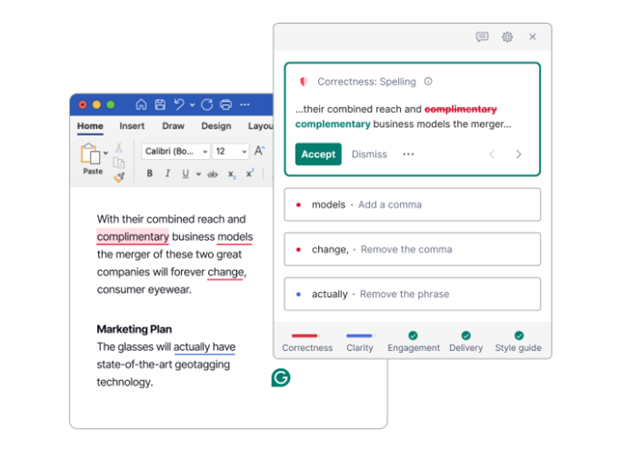
Grammarly is an online AI writing assistance, working across your browser and desktop apps. It goes far beyond simple text checking to help you express your ideas more effectively and professionally.
Price: Free (Basic); ~$12/mo (Premium)
Key Advantages:
- Tone Detection: Tells you if your email to a professor sounds too casual or aggressive.
- Clarity Rewrite: Suggests ways to shorten run-on sentences and fix passive voice.
- Plagiarism Checker(Premium only): Scans your text against billions of web pages.
Best For: Grammar checking, tone adjustment, and plagiarism detection.


