
An onboarding presentation is often a new hire’s first structured introduction to your company. Done well, it helps employees understand where they fit, what’s expected of them, and how to succeed from day one. In this guide, you’ll learn what an onboarding presentation is, what to include and best practices to follow
- What Is an Onboarding Presentation & Why it Matters
- What Should Be Included in an Onboarding Presentation for New Hires?
- Best Practices for Creating an Effective Onboarding Presentation
- Premium & Professional Onboarding Presentation Template
- Create Onboarding Presentations in Minutes with WorkPPT AI
- FAQs: How to Begin a Presentation
What Is an Onboarding Presentation & Why it Matters
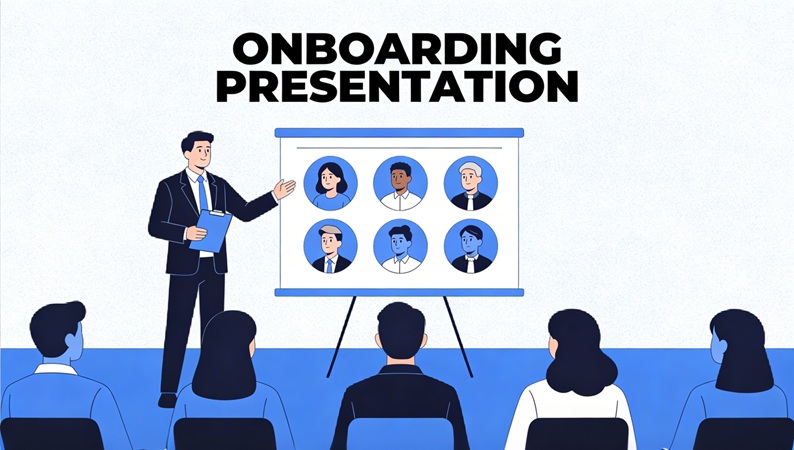
An employee onboarding presentation is a slide-based presentation used to introduce new employees to a company, their role, and the way the organization works. It is usually delivered during a new hire’s first day or first week and serves as a foundation for the broader onboarding process.
A well-designed onboarding presentation can significantly influence how new employees perceive your company and their decision to stay long term.
Turn onboarding ideas or documents into clear, professional slide decks with AI. No design skills required.
What Should Be Included in an Onboarding Presentation for New Hires?
While every company is different, most successful onboarding presentations include the following core sections.
1. Company Overview
Introduce your company’s mission, vision, values, and what you do. This helps new hires understand the bigger picture and why their role matters.
2. Team and Organization Structure
Show how the company is organized, who leads each team, and where the new hire fits. This can include a simple org chart or team overview.
3. Role Expectations and Responsibilities
Clarify what success looks like in the first 30, 60, or 90 days. Clear expectations help new employees focus on the right priorities early on.
4. Tools, Processes, and Workflows
Introduce the tools your team uses, such as communication platforms, project management software, or internal systems. Keep this high-level and practical.
5. Policies and Next Steps
Briefly cover essential policies and outline what happens next—training sessions, meetings, or onboarding tasks—so new hires know what to expect.
A typical onboarding presentation might follow this structure:
1. Welcome and agenda
2. Company overview
3. Culture and values
4. Team and organization
5. Role expectations
6. Tools and workflows
7. First-week checklist
8. Next steps and Q&A
Best Practices for Creating an Effective Onboarding Presentation
Creating an onboarding presentation isn’t about adding more slides—it’s about delivering the right information clearly and engagingly.
Keep It Short and Focused
Aim for a presentation that can be delivered in 15–30 minutes. Your onboarding presentation should introduce key concepts, not cover every detail. Additional resources can be shared afterward.
Prioritize Clarity Over Completeness
New hires don’t need to know everything on day one. Focus on what they need to understand immediately: the company, their role, and how to get started successfully.
Use Visuals, Not Text-Heavy Slides
Avoid long paragraphs on slides. Use simple visuals, icons, and short bullet points to support your message. Slides should guide the conversation, not replace it.
Personalize When Possible
If feasible, customize onboarding presentations by role, department, or team. Even small adjustments—like relevant tools or goals—can make the experience feel more personal and engaging.
Design for Reusability
Your onboarding presentation should be easy to update and reuse. Company information changes, so use a structure and consistent layouts that can scale as your team grows.
Make It Remote-Friendly
For remote or hybrid teams, ensure slides are clear without verbal explanation. Use structured content, readable visuals, and a logical flow that works well in virtual meetings.
✍ [You May Also Like]: Presentation Techniques: How to Make an Effective Presentation
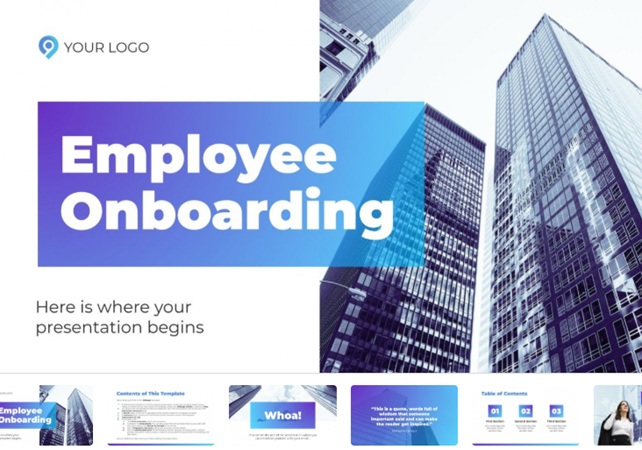
Premium & Professional Onboarding Presentation Template
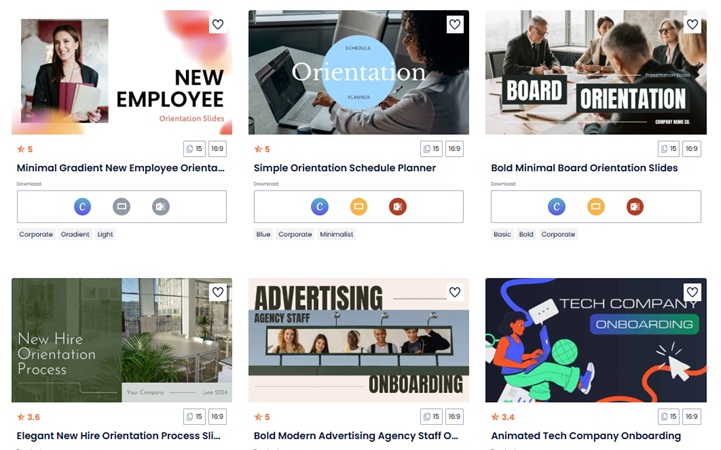
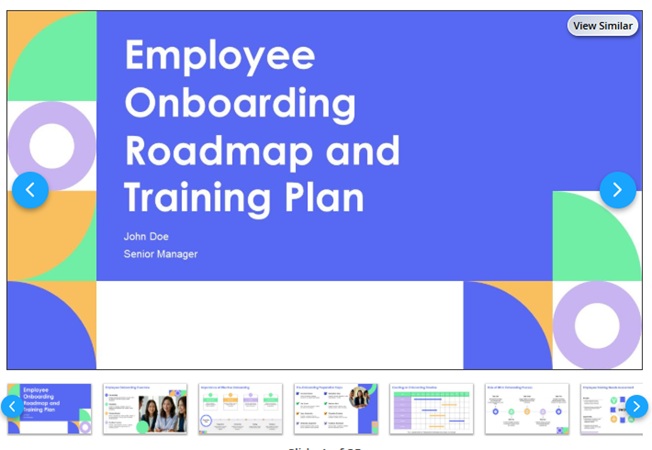
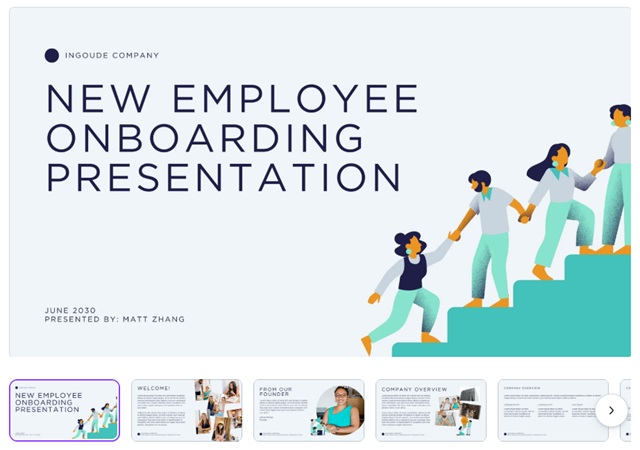
If you don’t want to build an onboarding presentation from scratch, using ready-made templates is the fastest way to get started. Below are some recommended onboarding presentation template resources:
- Slidesgo: Ready-made onboarding templates for Google Slides and PowerPoint, including welcome decks, team intros, and timelines.

- SlidesCarnival: Free, modern presentation templates adaptable for onboarding decks.

- SlideTeam: Curated onboarding templates and sample slide decks for employee orientation.

- Canva: Huge library of editable templates suitable for onboarding, easy to customize online.
Create Onboarding Presentations in Minutes with WorkPPT AI
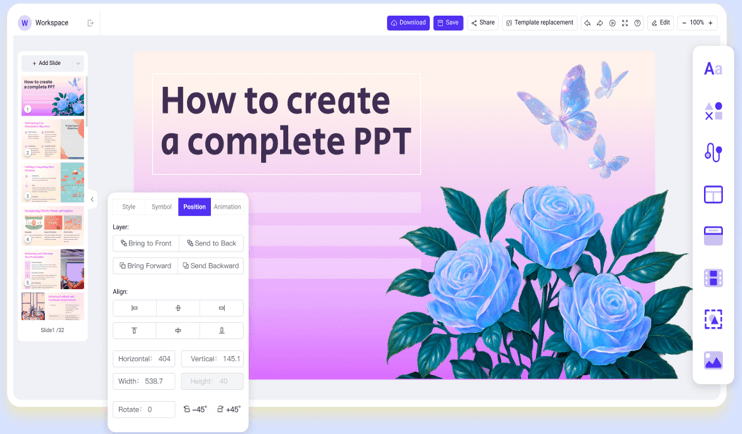
Creating an onboarding presentation from scratch can be time-consuming, especially when you need to balance content, structure, and design. AI-powered tools like WorkPPT AI Presentation Maker simplify this process by turning ideas or documents into complete, professional slide decks in just minutes.
⭐⭐⭐⭐⭐ Rated 4.8 by 1.3M Users
Why Choose WorkPPT?
WorkPPT is designed to reduce the manual work involved in presentation creation while maintaining clarity and consistency. It helps teams:
- Quickly generate structured onboarding slide decks
- Maintain a consistent visual style across presentations
- Apply 5000+ professional templates that adapt to your content instead of fixed layouts
- Create professional slides without design expertise
How to Use it
Creating an onboarding presentation with WorkPPT follows a simple, streamlined process:
1.Input Your Content or Idea
You can start with a brief prompt, an onboarding topic, or upload existing materials, such as documents or PDFs.
2.Review and Edit the Outline
WorkPPT automatically generates a logical slide outline. You can adjust sections, reorder slides, or refine key points to match your onboarding goals.
3. Choose a Presentation Style
Select from a wide range of presentation templates to match your company’s branding or tone.
4. Customize and Finalize
Edit text, adjust layouts, add logos, or fine-tune visuals as needed. The slides remain fully editable.
5. Export and Share
Download your onboarding presentation in PPTX or PDF format, ready for in-person or remote onboarding sessions.
FAQs: How to Begin a Presentation
Q1: How long should an onboarding presentation be?
A: Most onboarding presentations work best at 15–30 minutes.
Q2: Can onboarding presentations be reused?
A: Yes, but they should be reviewed and updated regularly.
Q3: What’s the difference between onboarding and training presentations?
A: Onboarding focuses on orientation and context, while training focuses on specific skills.
Q4: Can AI create a complete onboarding presentation?
A: Yes. AI tools like WorkPPT can generate full onboarding slide decks that are easy to customize.
💬 Conclusion:
Whether you’re onboarding one employee or hundreds, the right onboarding presentation approach can make all the difference. By focusing on clarity, structure, and engagement. By using modern tools like WorkPPT, you can create onboarding experiences that are welcoming, efficient, and scalable.