author image

Presentations are a part of everyday work and learning. Unfortunately, so are boring slides, unreadable charts, and last-minute decks. That’s exactly why presentation memes have taken over social media. They make us laugh because they show situations we have all experienced.

Here, we’ve prepared some interesting memes you can freely download, plus tips on where to find more and how to create your own.

A meme acts like a “shortcut” for the brain. A complex idea can be challenging to convey in words. But the right meme can explain the feeling or situation instantly. Memes also make you look human. They show the audience that you have a personality and that you are not just reading a script like a robot.
workppt banner

Build Better Slides Before Adding Memes

Use WorkPPT to generate clean slides fast, then add memes where they actually work.

Use These Memes to Spice Up Your Presentations

Here are some hot and funny memes you can download directly and use in your next presentation.

Memes to Start the Presentation
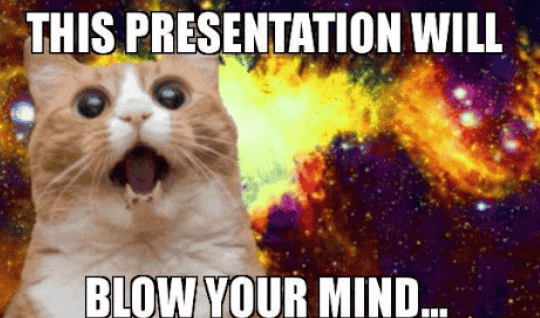
cat meme to start presentation

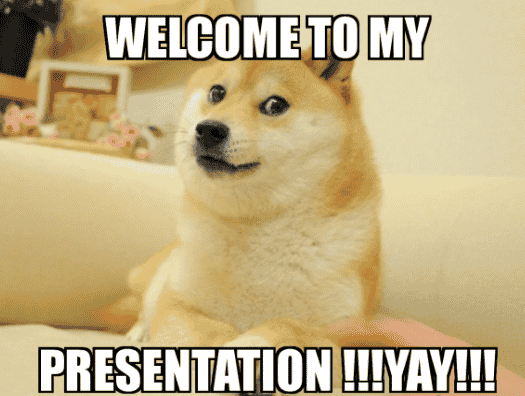
dog meme to start presentation

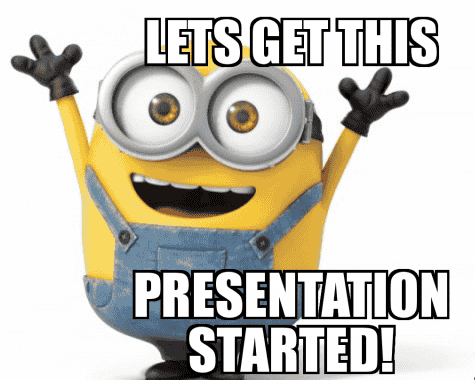
minions meme to start presentation

mr bean meme to start presentation

smith meme to start presentation

End of Presentation Meme
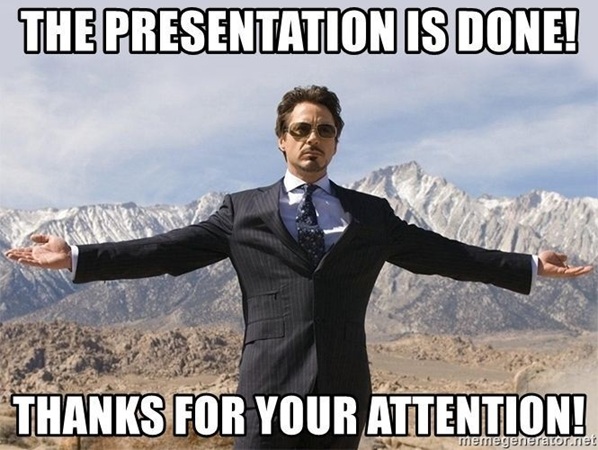
funny end of presentation meme

mr bean end of presentation meme

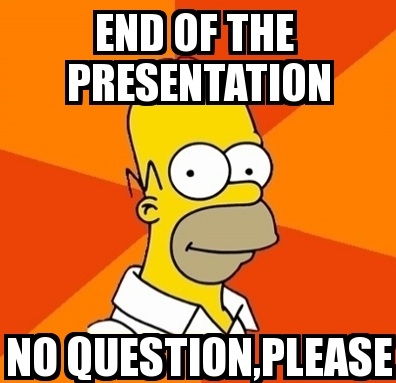
simpsons end of presentation meme

spiderman end of presentation meme

spongebob end of presentation meme

Funny Presentation Memes to Engage Audience

question presentation meme

exciting presentation meme

suprising presentation meme

crying presentation meme

Where to Find Presentation Memes

If you want high-quality and modern memes, check these three popular platforms:
1. Reddit
Reddit is where most internet memes are born. It is divided into communities called “subreddits.” You can visit subreddits like r/memes or r/wholesomememes.

If you are giving a presentation for a specific job, look for niche groups. For example, r/ProgrammerHumor is perfect if you are speaking to software engineers.

2. X / Twitter
X is the best place to find memes about current events or “pop culture.” Follow “Meme Accounts” or search for trending hashtags.

3. Pinterest
If you want memes that look beautiful and fit a nice slide design, go to Pinterest. Search for “Presentation Memes”.

[Insert Memes to Presentation Tutorial]: How to Insert Image in PowerPoint?

How to Create Your Own Presentation Meme

1. Use Online Meme Generators

Online generators are the fastest way to turn an idea into a slide.

  • Imgflip: It has a huge library of all the “classic” internet memes. If you want to make a standard “Drake” or “Distracted Boyfriend” meme in less than 30 seconds, use this.
  • Canva: Choose Canva if you want your meme to look professional and “on-brand.” Unlike simple generators, Canva lets you use your own company fonts and colors.
  • Kapwing: This is a powerful “all-in-one” editor. It is the best choice if you want to create video memes or GIFs. If you want a meme that moves or has a specific layout, Kapwing gives you the most creative control.

2. Use AI Tools for Inspiration

If you have a great image but can’t think of a funny caption, let AI help you brainstorm.

  • Caption Generation: You can describe your presentation topic to an AI and ask for “5 funny meme captions.”
  • Unique Images: Some AI tools can even create brand-new images from a text description.

Things to Keep in Mind When Using PowerPoint Memes

1. Know your audience
Memes that work in team meetings may not fit formal or client-facing presentations.

2. Use memes sparingly
One or two well-placed memes are usually enough. Too many can distract from your message.

3. Keep it easy to understand
Avoid niche or outdated memes. If people don’t get the joke instantly, it won’t work.

4. Match the meme to your message
Memes should support your key point, not interrupt the flow of your presentation.

5. Check image quality
Use clear, high-resolution images. Blurry or stretched memes look unprofessional.

6. Be mindful of tone and sensitivity
Avoid jokes that could confuse, offend, or make the audience uncomfortable.

7. Check copyright and reuse rules
Use memes that are free to download or clearly allowed for reuse.

Create Better Slides Faster with WorkPPT

Want create slide with memes faster?

WorkPPT AI Presentation Maker is an AI presentation tool that turns your ideas, documents, or PDFs into well-structured slides in seconds. Instead of starting from a blank slide, you get a clear outline, clean layout, and ready-to-edit design from the start.

You can use WorkPPT to generate your main presentation first, then add memes where they make sense, such as the opening slide, a transition moment, or the closing page.
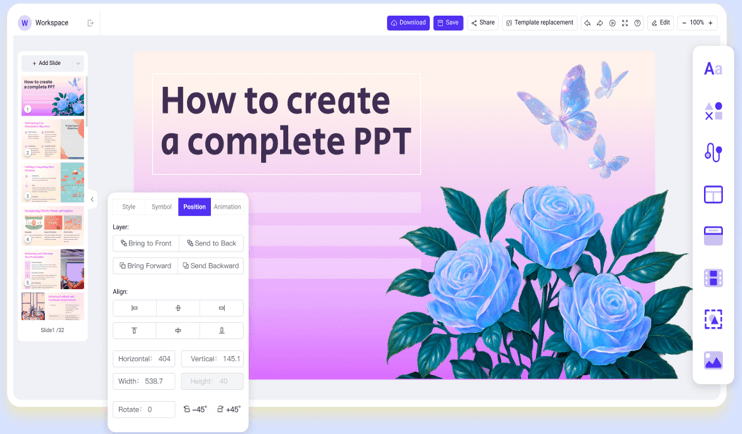
workppt screenshot

⭐⭐⭐⭐⭐ Rated 4.8 by 1.3M Users

💬 Conclusion:

Don’t be afraid to use humor. A presentation is a performance, and memes are a great special effect. They build a connection between you and the audience.

If you want to avoid the common slide mistakes often seen in presentation memes, tools like WorkPPT can help. By generating clean, well-structured slides in minutes, WorkPPT lets you focus on your message first. And then use memes to spice up your presentation where they make sense.

workppt banner 2
Slides First. Memes Second.

Perfect for building solid presentations before adding humor or memes.