


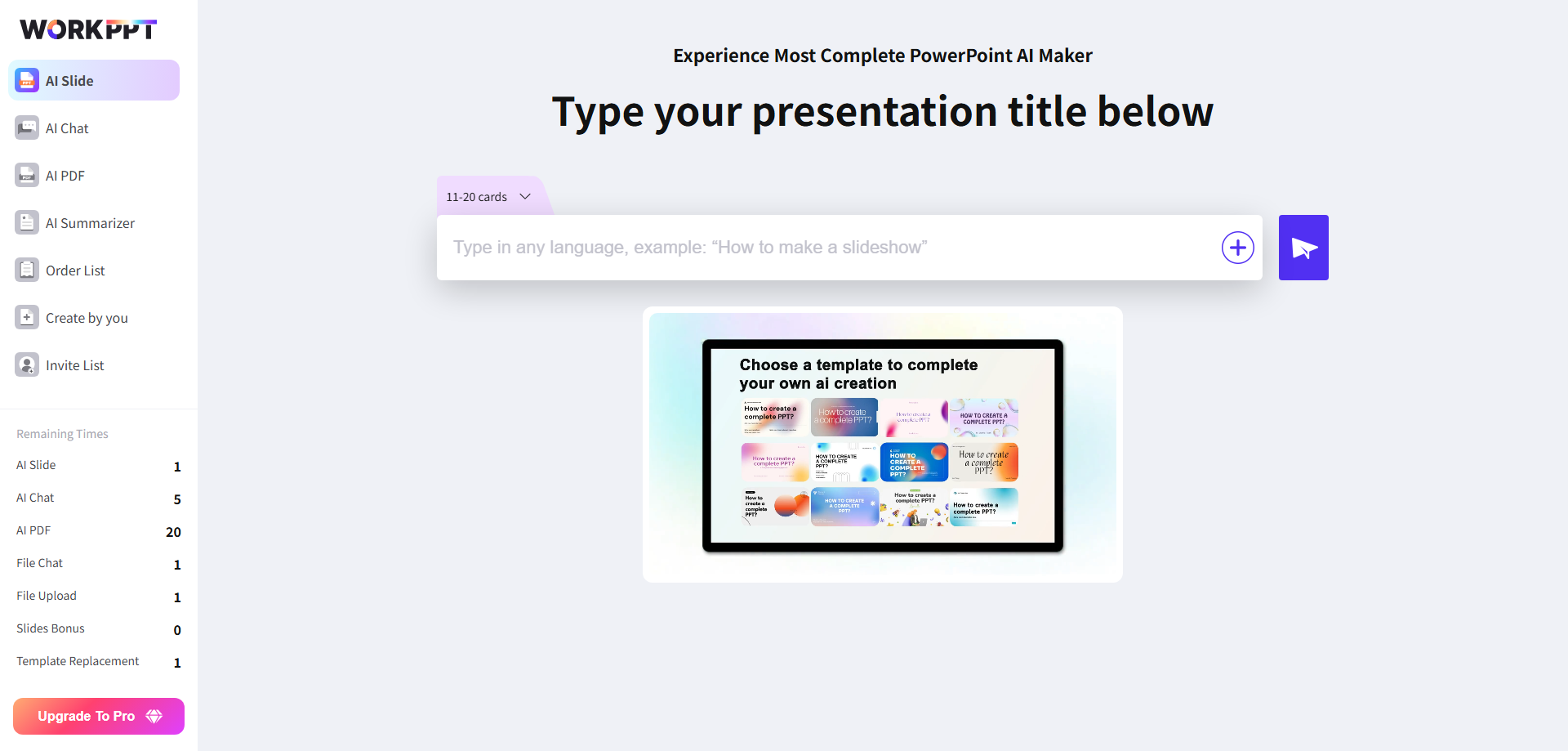
If I had to pick one tool to replace PowerPoint, it would be WorkPPT AI PowerPoint Generator. It turns any topic or file into ready-to-use slides in just 5 seconds. It also comes with more templates and AI summarization, covering everything PowerPoint can do—and more.
Plus, WorkPPT includes AI PDF, AI Mind Map, and AI Chat, bringing multiple office tools together on one smart platform. Unlike PowerPoint, it lets you handle all your work—presentations included—in one place.
Google Slides is a reliable cloud-based alternative to PowerPoint. It makes creating and sharing presentations with others simple and efficient, making it a great replacement for PowerPoint.
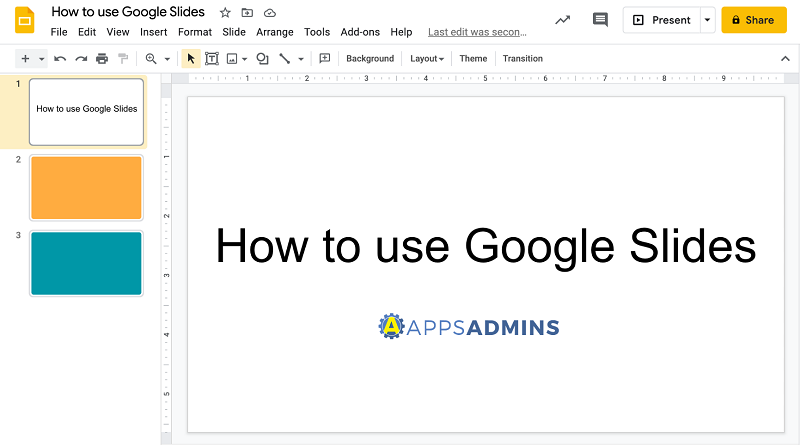
- Cloud-based: Access your slides from any device.
- Easy sharing: Collaborate live or asynchronously.
- Simple interface: Intuitive for new users.
If your team prioritizes cloud collaboration and accessibility, Google Slides is the go-to choice. For more visually striking results, use Google Slides as a draft tool before exporting to more advanced platforms like WorkPPT for final polish.
While PowerPoint emphasizes logic, Canva prioritizes visual appeal. It has lowered the design barrier to almost zero, offering the largest template and material libraries. As a result, you can quickly create slides on Canva that are more eye-catching than PowerPoint’s.
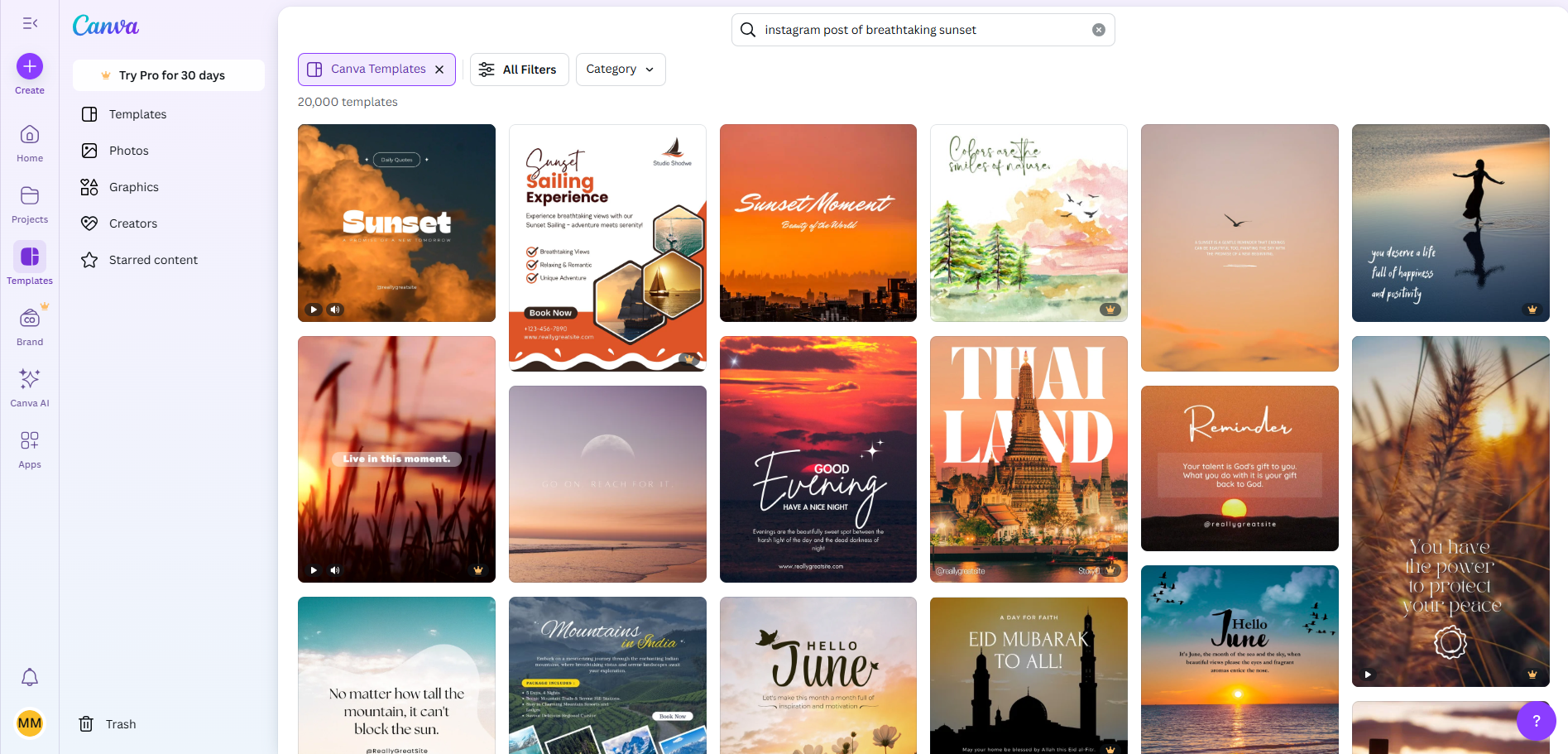
- Drag-and-drop design: No design skills needed.
- Beautiful templates: From business to education.
- AI tools: Magic Write and design suggestions.
- Export flexibility: PPTX, PDF, or display online.
- Drawback: Free version has limited assets; some features require Canva Pro.
If you’re after visual impact over traditional layouts, Canva is the most creative software like PowerPoint you’ll find.
Prezi‘s core lies in its nonlinear narrative and dynamic-static approach, transforming presentations from static page-flipping to canvas-based scrolling. This innovation surpasses PowerPoint in visual storytelling, breaking away from the conventional page-by-page format.

- Non-linear presentations: Tell your story visually.
- Dynamic transitions: Engage your audience.
- Cloud-based: Present anywhere.
Not always intuitive for first-time users, and exporting to PowerPoint isn’t seamless.
Visit Prezi Official Site >>
Keynote is Apple’s proprietary presentation tool, featuring high-quality animations, smooth transitions, and Apple Pencil support. It delivers a seamless visual experience and sophisticated motion effects on Mac and iPad. For macOS or iOS users, consider Keynote as a replacement for PowerPoint.
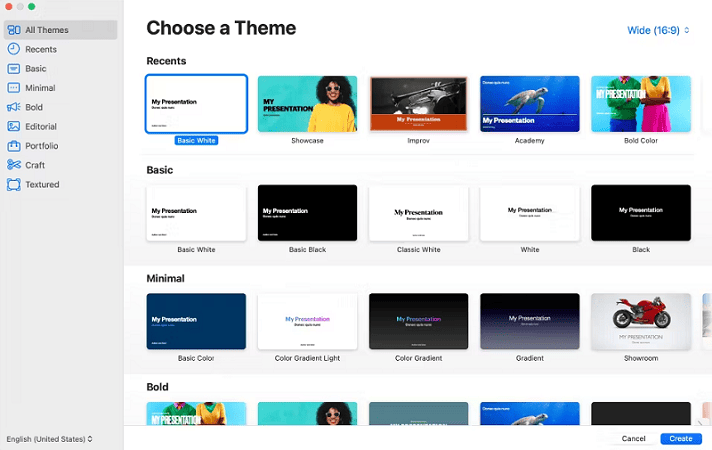
- Sleek design: Apple’s trademark style.
- Collaborate with iCloud: Edit from anywhere.
- Great animations: Professional polish.
Windows users may find it inconvenient to use, and its collaboration features are somewhat limited. Want a more detailed comparison between Keynote and PowerPoint? Click to learn more.
Figma Slides is a slide tool designed for designers and brand teams. It treats presentation pages as part of design files, supporting components, style libraries, and version control.
For UI/UX teams, Figma Slides seamlessly integrates design logic with presentation content, making it a promising alternative to PowerPoint.

- Real-time collaborative editing.
- Freeform layouts and modular component management.
- AI layout suggestions supported.
- Seamless integration with Figma Design.
Using it requires a certain amount of learning time and cost.
Beautiful.ai Focuses on automatic layout and AI-assisted design. It intelligently adjusts layout, spacing, and visual weight based on content, enabling ordinary users to create professional-looking slides.
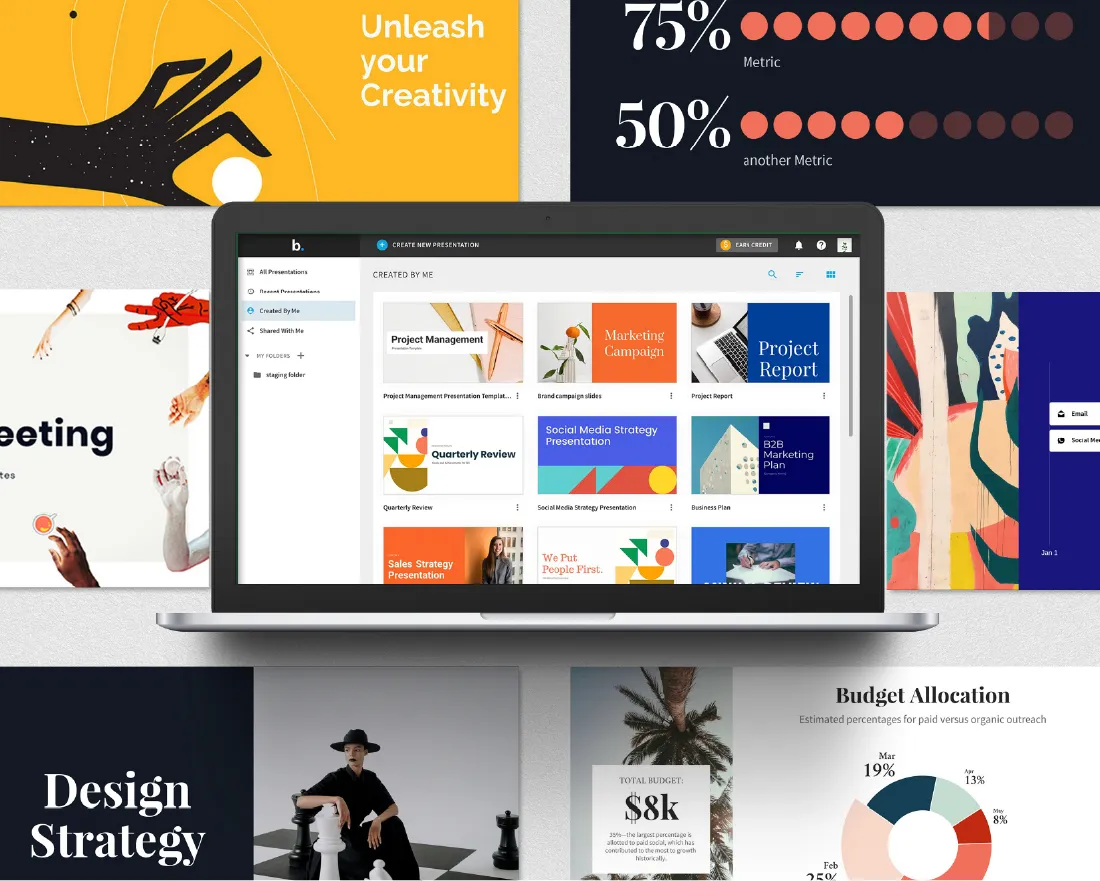
- Smart templates automatically adjust layouts.
- Content-responsive typesetting.
- Team collaboration panel.
- Automatic brand color schemes.
The flexibility in creating PowerPoint presentations is limited.
Powtoon blends slides with animated videos, transforming presentations from mere page-turning exercises into cinematic storytelling.
Its templates and character system are perfect for educational videos, animated marketing campaigns, or rich media presentations. Unlike PowerPoint, it prioritizes dynamic motion and narrative flow.

- Animation scene, character, and voice synthesis functionality.
- Supports voice acting and narration.
- Can export videos or play demonstrations.
PPT rendering speed tends to be slow, requiring a longer wait time.
Pitch seamlessly integrates design, collaboration, and presentation, representing a new trend in team collaboration.
It emphasizes a workflow of template + collaboration + data-driven (bidding/investment) and supports features like Deal Rooms (sharing and tracking client interactions) and audience analytics, making it a preferred alternative to PowerPoint for many startups and sales teams.
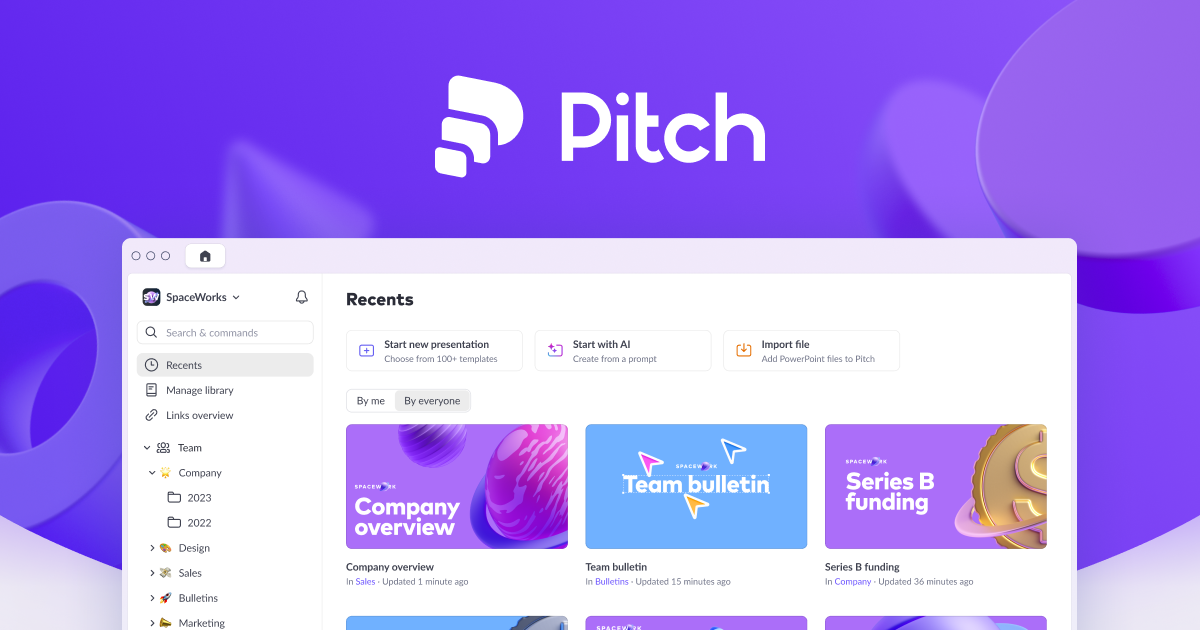
- Integrate Slack, Notion, and Google Drive.
- Modern templates with version control.
- Support for comments, tasks, and collaboration.
Zoho Show is a presentation tool in the Zoho Office suite, with low cost and integration with Zoho ecosystem (WorkDrive, Zoho CRM, etc.) as its selling points. It supports common import/export formats and online collaboration.
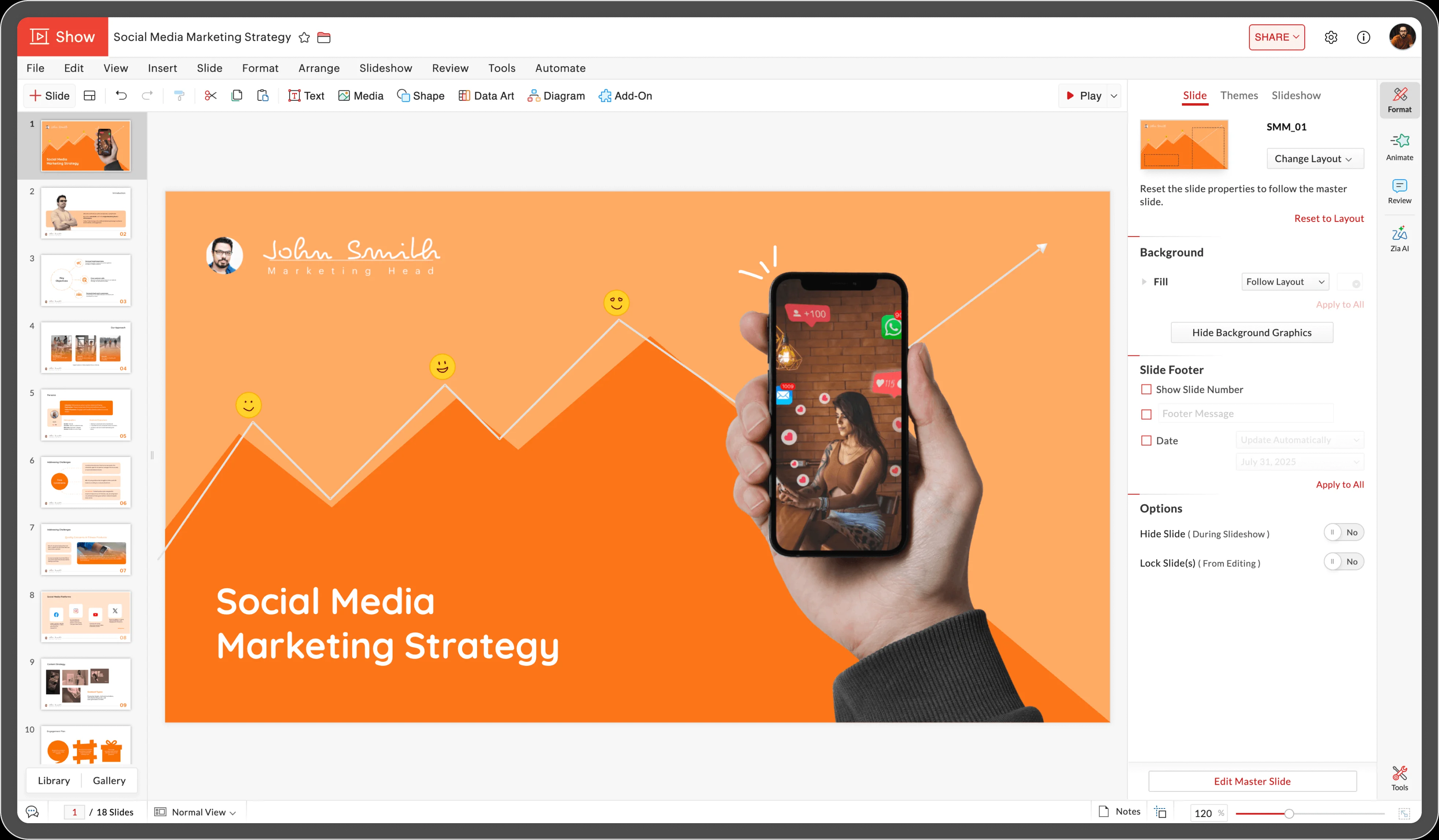
- Enterprise-level Permissions Management.
- Supports PPTX Import and Editing.
- Embeddable Web Presentations.


