

author image

If you are looking for AI that writes research papers using slides, you are in the right place. And if you want an ai slides free experience to get started, you need to know about AI slide maker.

Here is everything you need to know about using AI slide generator to convert research papers to slides.

In the “old days,” turning a 20 or 30-page research paper into a presentation was a nightmare. It usually meant:

  • Staying up all night deleting text and summarizing points.
  • Struggling with formatting, fonts, and colors.
  • Worrying about missing important data or conclusions.

Today, an ai slides maker can do 80% of that boring work for you. This lets you focus on your actual speech, not the slide design. Learn what is AI slides maker>>

A truly useful AI tool should be able to:

  1. Directly upload your PDF or Word file.
  2. Automatically find the Abstract, Intro, Methods, and Results.
  3. Summarize the key points for you.
  4. Give you an editable PPTX or Google Slides file.

This is exactly what WorkPPT does.

What Is WorkPPT AI Maker? Your All-in-One AI Workspace

WorkPPT is an AI platform that turns your files and ideas into presentations. Its biggest strength is speed and compatibility.

workppt file to slide

⭐728323 presentations made

  • Input: It takes text, images, PDFs, Word docs, and Excel files.
  • Output: It creates decks for class presentations, thesis defenses, business reports, and more.
  • Design: It comes with 5,000+ templates, so you never have to start with a blank white screen.
But WorkPPT is more than just a slide maker. It includes a full suite of AI tools for students and researchers:
  • AI Chat: Use it to rewrite sentences, fix grammar, or translate text.
  • Summarizer: Turn long papers into short summaries instantly.
  • Mind Map Generator: Visualize your paper’s logic.
  • PDF Tools: Merge, split, or compress your files.

Video tutorial about WorkPPT AI:

How to Turn Research Papers into Slides (Step by Step)

Here is how WorkPPT works as an ai that writes research papers using slides.

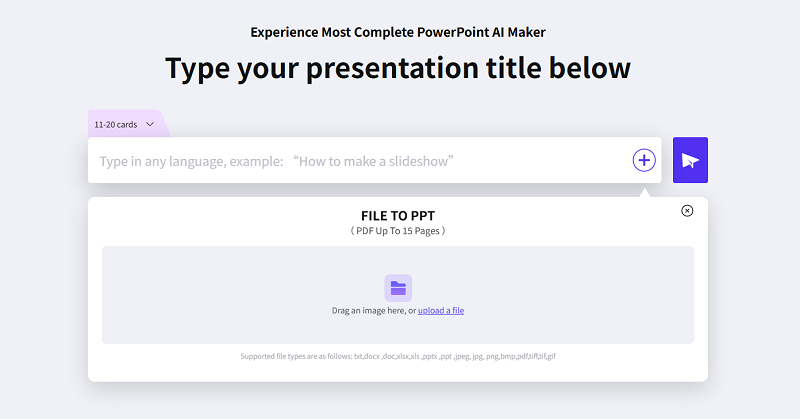
Step 1: Choose the “File to Slides” Feature

Log in to WorkPPT. On the dashboard, look for the option that says “Upload File” or “Generate Presentation from File.” This is the core feature you need.

Step 2: Upload Your Research Paper

You can upload:

  • Your full PDF thesis.
  • A Word document draft.
  • A technical white paper with charts. WorkPPT reads the document structure and text automatically.

Step 3: Let the AI Analyze and Summarize

Once uploaded, the AI gets to work. It analyzes your paper to find:

  • Structure: Headings, chapters, and sections.
  • Key Sections: Abstract, Introduction, Methods, Results, Discussion, and Conclusion.
  • Core Info: It pulls out your main hypothesis, data points, and final thoughts.
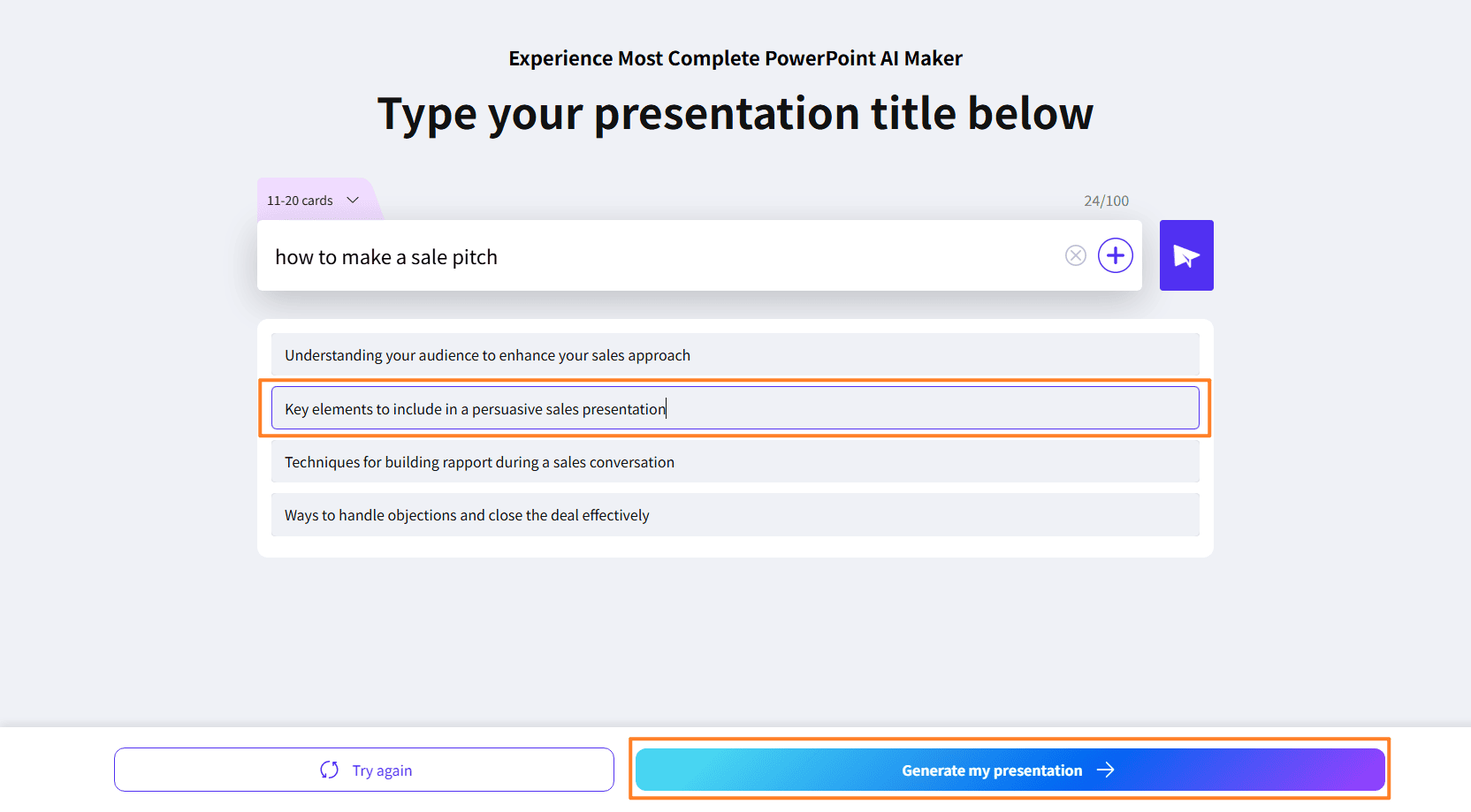
edit slide outline

Step 4: Auto-Generate the Slides

In seconds, WorkPPT generates a full slide deck. The structure usually looks like this:

  1. Title Slide: Paper title, author, and date.
  2. Background: The problem you are solving.
  3. Methods: How you did the research.
  4. Results: What you found (with placeholders for charts).
  5. Discussion: What it means.
  6. Conclusion: The final takeaway.

The AI writes bullet points for you, so the slides are ready for a speech, not just a copy-paste of your essay.

Step 5: Customize with 5,000+ Templates

Now, make it look good. Browse the 5,000+ template library to find a style that fits:

  • Academic / Research style
  • Minimalist style
  • Creative or Business style

When you pick a template, WorkPPT automatically applies the fonts, colors, and layouts to your content.

ai ppt templates

Step 6: Export to PowerPoint or Google Slides

Finally, click export. You can save it as a PPTX file (for Microsoft PowerPoint) or open it in Google Slides. Now you can make final edits, add animations, or swap in your high-res images.
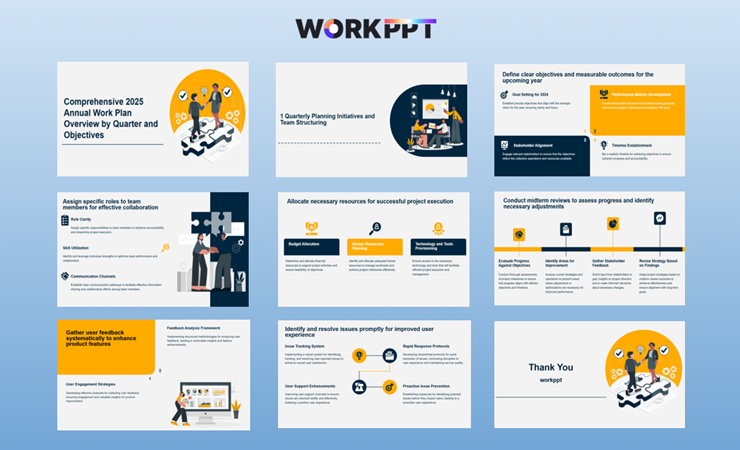
ai sales pitch template

Watch file to slide demo by WorkPPT

[Related topics]: How to Use AI Slide Maker?

Beyond Slides: Better Research Workflows

WorkPPT isn’t just a one-time tool. It helps with the whole research process.

1. Summarizer: Shrink Long Papers First

Before making slides, use the Summarizer tool. You can turn a 30-page paper into a 2-page summary, and then use that summary to generate your slides. This keeps your presentation focused and prevents “information overload.”

2. AI Chat: Rewrite for Better Speaking

Academic writing can be dry. Use the AI Chat to rewrite your slide text.

  • Prompt: “Rewrite this slide to sound more natural for a speech.”
  • Prompt: “Summarize this paragraph into 3 bullet points.”
  • This makes WorkPPT a great speech coach, not just a slide maker.

3. Mind Map Generator: See Your Logic

Use the Mind Map feature to visualize the connections between your variables and methods. This is great for preparing for a Q&A session during a thesis defense.

4. PDF Toolset: Prep Your Files

If you have multiple PDFs, use the PDF Tools to merge them into one file before uploading. This lets you create one presentation from multiple sources.

Who Is WorkPPT For?

The “File to Slides” feature is perfect for:

  • Grad & PhD Students: For thesis defenses and mid-term reports.
  • Teachers: To turn textbooks or papers into lecture slides.
  • Researchers: To turn complex white papers into easy-to-read decks.
  • Content Creators: To turn long articles into educational slideshows.

If you have a long document and need to present it, WorkPPT saves you hours of busy work.

💬 Conclusion:

If you are searching for an ai that writes research papers using slides, WorkPPT is the answer. It combines three massive needs into one platform:

  • It reads your documents (PDF/Word).
  • It structures them into professional slides automatically.
  • It offers a huge library of designs and extra AI tools.

Stop staying up all night formatting PowerPoint slides. Upload your paper to WorkPPT AI presentation maker, let the AI handle the structure, and focus your energy on delivering a great presentation.

Ready to try it? Start your [WorkPPT experience] today.