author image

Images are not decoration in a PowerPoint presentation — they are part of the message. Yet many professionals still struggle with the same questions:

  • Where can I find high-quality PowerPoint images?
  • Should I use stock image sites or AI presentation tools?
  • How do I actually build a PPT with images that looks professional?

This guide answers those questions step by step — and helps you choose images that work for real business presentations, not just pretty slides.

For business presentations, the right visuals can clarify complex ideas, guide attention, and reinforce credibility. The wrong images do the opposite: they dilute impact, feel generic, or even damage trust.

Before choosing specific tools, it’s important to understand the two main ways people source images for PPT today.

Aspect Image Download Sites AI Presentation Makers
Core Idea Standalone images Manually inserted into slides Slides and images Generated together by AI
Best For Designers Advanced users Custom layouts Business users Pitch decks Reports & sales decks
Workflow Search → Download Insert → Resize Align → Repeat Input content or prompt AI builds slides automatically
Speed Slow and manual Fast and automated
Visual Context Images are not slide-aware Easy to look generic Context-aware visuals Matched to slide structure
Control Full creative control Less granular control Style depends on the tool

Top 5 Best Sites to Find PowerPoint Images

These platforms focus on downloadable images for PPT, suitable for business and professional use.
Platform Best For Key Strengths Limitations Pricing
iSpring Suite Educators
eLearning & training decks
Presentation-ready visuals
Templates, icons, characters
AI-powered slide assets
Requires installation
Free only during trial
From $970/year
14-day free trial
Unsplash Title slides
Storytelling visuals
High-resolution photography
No attribution required
Photos only
No icons or vectors
Free
Pexels Business & lifestyle decks
Visual-heavy slides
Free photos & videos
PowerPoint plugin available
Mixed visual styles
Contributor inconsistency
Free
Pixabay Data-driven slides
Explanatory presentations
Photos, vectors, illustrations
Transparent PNG assets
Some visuals feel generic
Design quality varies
Free
Canva Non-designers
Fast slide creation
Stock images + templates
Built-in editor
PPT export support
Many assets are paid
Limited control in free plan
Free plan
Paid from $12.99/month

Top 5 AI Presentation Makers with AI Images Generation

These tools combine AI slide creation + built-in images, reducing manual work.

1. Pitch

  • Best for: Startup and business pitch decks
  • Highlights:
    • AI-generated slide layouts
    • Contextual visuals
    • Strong collaboration features

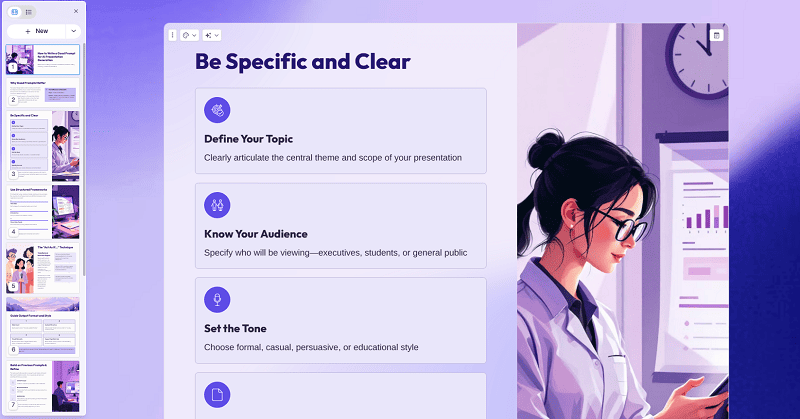
pitch pic demo

Visit Pitch Official Site>>

2. Gamma

  • Best for: Narrative-driven presentations
  • Highlights:
    • AI selects images per section
    • Modern visual style
    • Good for website design

gamma ppt image demo

Visit Gamma Official Site>>

3. WorkPPT

  • Best for: Users who care about low AI sense
  • Highlights:
    • Text/File-to-presentation workflow
    • Images aligned with slide logic
    • Practical for who looking for non-ai sense

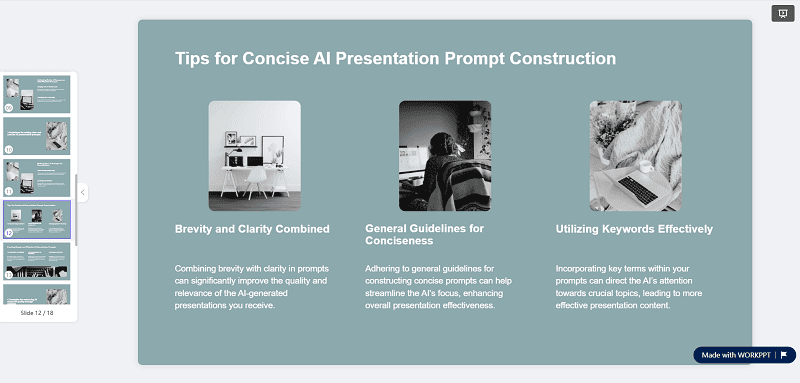
workppt powerpoint image demo

Visit WorkPPT Official Site >>

⭐728323 presentations made

4. Canva AI

  • Best for: Visual flexibility
  • Highlights:
    • Massive image and template library
    • AI content suggestions
    • Easy export to PowerPoint

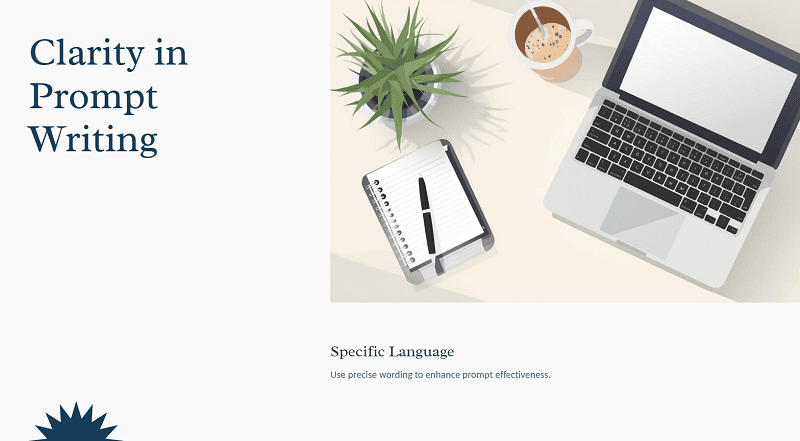
canva presentation image demo

Visit Canva Official Site >>

Check out the video tutorial about how to use AI presentation maker:

Why Images Matter More Than Ever in PowerPoint

PowerPoint slides are consumed faster than ever — often skimmed, not read. Strong presentation images help you:

  • Reduce text dependency
  • Anchor abstract ideas visually
  • Control slide hierarchy
  • Increase audience recall

That’s why pictures for presentations should be chosen with intent, not convenience.

Common Image Types Used in PPT Decks

Image Type Common Use Cases Best Practices What to Avoid
Conceptual Images Vision slides
AI, innovation, strategy decks
Minimal illustrations
Symbolic visuals
Soft gradients
Literal stock photos
Forced visual metaphors
Data-Supporting Images Business reports
Market analysis
Product performance slides
Icons & UI mockups
Subtle visual cues
Supports charts & data
Decorative images
Competing with charts
Background Images Section dividers
Title & content slides
Low-contrast visuals
Clean negative space
Text-friendly composition
Faces or focal points
Distracting textures

FAQs About PowerPoint Images

1. Is JPG or PNG Better for PPT?

A: The choice between JPG and PNG in a PowerPoint presentation depends on the type of image. JPG is ideal for photographs, as it offers smaller file sizes and faster loading.

PNG is better suited for graphics, logos, and icons, because it provides higher quality for such elements and supports transparency. A good rule to follow is to use JPG for photos and PNG for graphics and UI components.

2. Presentation Thank You Images: Do They Matter?

A: Yes, thank-you slides do matter—when used appropriately. An effective thank-you slide reinforces professionalism, signals the end of the presentation, and leaves a clean final impression.

It’s best to avoid overly emotional stock photos, visual clutter, or irrelevant imagery. A simple background with a subtle visual element typically works best.

3. How to Choose the Right Presentation Pictures Background

A: Selecting a suitable background involves asking a few key questions: Does it maintain text readability? Does it match the tone of the presentation? Does it support rather than distract from the message?

For business presentations, it’s recommended to use low-contrast backgrounds, avoid busy scenes, and keep the focus on the content.

💬 Conclusion:

Finding images for PowerPoint presentations is no longer just about downloading pictures — it’s about choosing the right system:

  • Use image sites for control and customization
  • Use AI presentation makers for speed and structure
  • Always prioritize clarity over decoration

The best presentations don’t have more images — they have better ones.