

author image

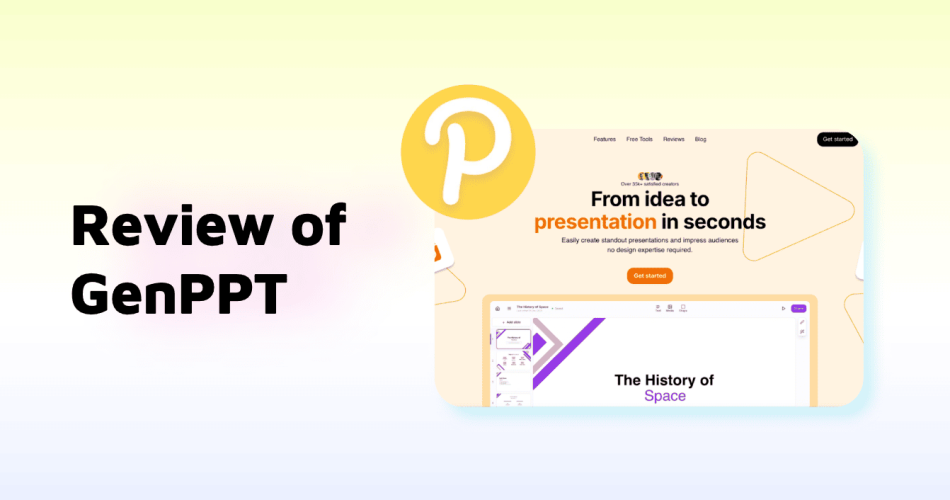
If you are searching for an AI presentation generator that focuses on content quality rather than complex design, GenPPT is likely on your shortlist. This article covers a full GenPPT review, including features, pricing, demo walkthrough, pros and cons, templates, download options, and better alternatives depending on your use case.

GenPPT is an AI-powered presentation tool designed to generate structured slide content directly from text prompts or topics. Unlike design-heavy tools, GenPPT focuses on creating relevant, logical, and presentation-ready content with minimal manual effort.
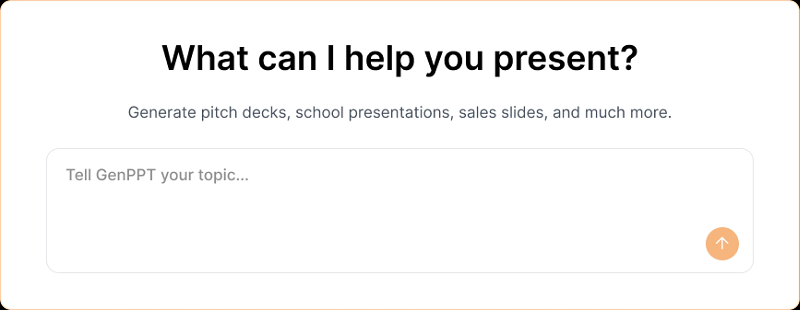
genppt ai interface

Its core philosophy is simple:

Let AI handle slide content creation, and allow users to refine everything through a chat-based interface.

This makes GenPPT particularly attractive for:

GenPPT Features Overview

  • 1. Generate Presentations from Topic or Scratch
  • 2. GenPPT includes access to stock images, you can browse and search image by keyword.
  • 3. Strong focus on content relevance.
  • 4. Users can modify presentations by chatting with an AI assistant.

GenPPT Pros and Cons

✅ Advantages of GenPPT

  1. High-quality AI-generated content
    The slide text is coherent, relevant, and presentation-ready.
  2. AI chatbot-based editing
    Slides can be updated conversationally without manual formatting.
  3. Free AI tools included
    GenPPT offers several free utilities, including:
    • AI Outline Generator
    • AI Title Generator
    • JSON to PPT converter

These tools are useful even without committing to a paid plan.

❌ Disadvantages of GenPPT

  • Limited input options
    GenPPT only supports text-to-PPT. There is no file-to-PPT, PDF-to-PPT,word or excel import.
  • Only 15 templates available
    Template variety is very limited compared to competitors.
  • Simple visual output
    Generated presentations usually include only one or two images, often placed in slide corners.
  • No free trial
    There is no fully free plan, which raises the barrier for first-time users.
  • Limited brand credibility
    GenPPT currently lacks strong third-party endorsements or well-known enterprise users, making its long-term credibility unclear.

GenPPT Pricing (2026 Updated)

Plan Price Details
Trial $1 / 3 days Limited access
Monthly $19 / month Full features
Yearly $99 / year Best value

Is GenPPT Free?

No. GenPPT does not offer a permanently free plan. The only low-cost entry option is the $1 three-day trial.

How to Use GenPPT (Step-by-Step)

If you are wondering how to use GenPPT, here is a simple walkthrough:
  • Log in to GenPPT
  • Enter your topic or text content
  • Generate an outline and edit it if needed
  • Click “Generate” to create slides
  • Edit slides manually or via the AI chatbot
  • Download the presentation as PPT or PDF
This streamlined process makes GenPPT easy to learn, even for first-time users.

Best GenPPT Alternatives (Comparison Table)

Tool Input Types Templates Design Quality Free Plan Best For
GenPPT Text only 15 Basic Content-focused decks
Gamma Text Moderate High Storytelling & visuals
WorkPPT Text, File, Data Large High Business & productivity
Decktopus Text Moderate Medium Education & marketing

Final Verdict: Is GenPPT Good?

Yes — GenPPT is good, but only for a specific type of user.

GenPPT excels at:

  • Creating relevant, structured slide content
  • Reducing manual editing through AI chat
  • Helping users who value content over design

However, if you need:

You may find better value in alternatives like WorkPPT or Gamma.

Who Should Use GenPPT?

  • Consultants
  • Educators
  • Researchers
  • Users who already know what they want to say

Who Should Avoid GenPPT?

  • Design-heavy presenters
  • Brand-focused teams
  • Users needing free long-term access

WorkPPT AI Presentation Maker

📄 Text & documents to slides quickly
🧠 Powerful AI toolkits to save time
🎨 5,000+ education-ready templates
📤 Export to PPTX, PDF, or Google Slides